Pixel
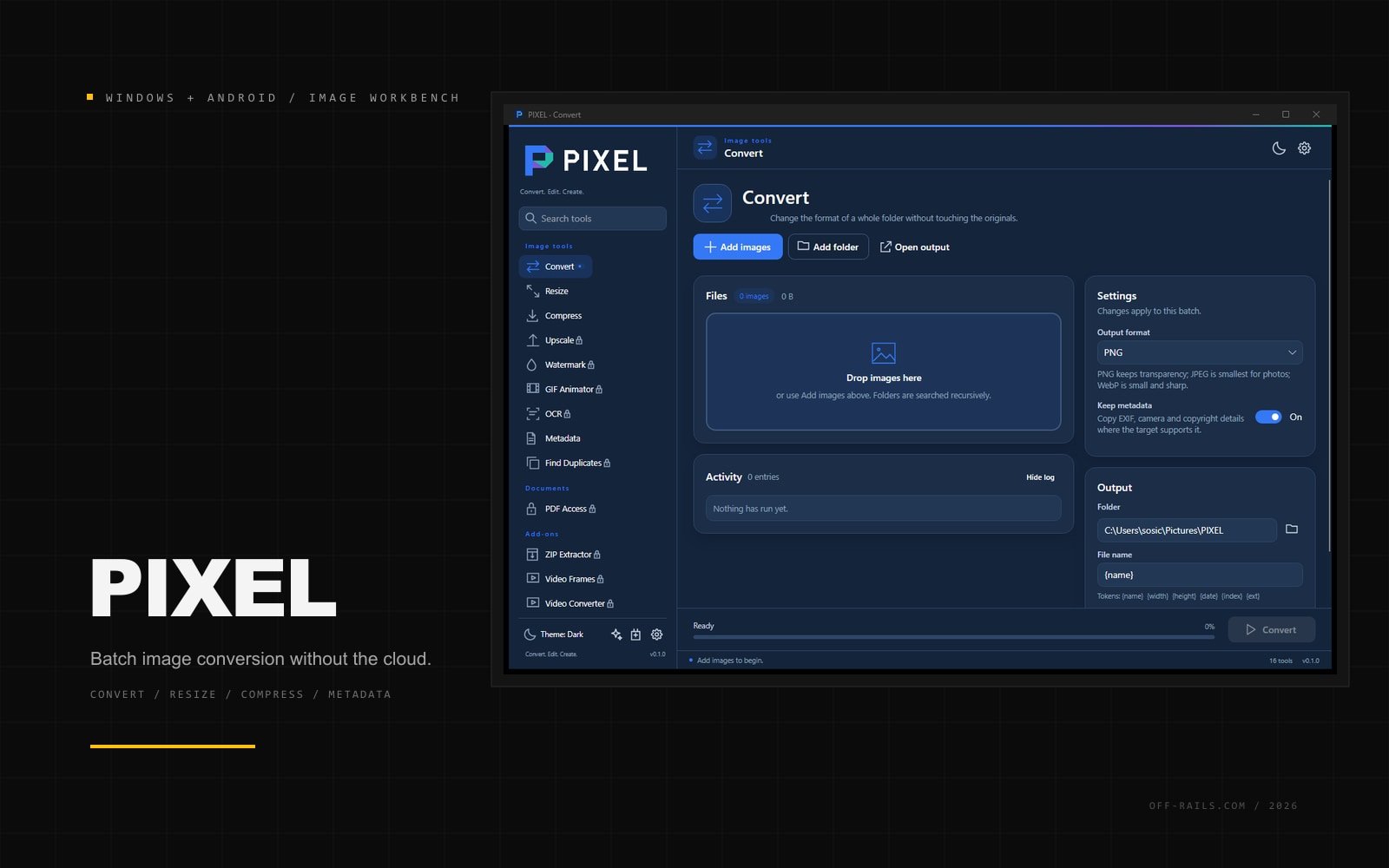
A local-first image workbench for Windows and Android. Convert, resize, compress, clean metadata, and run repeatable batch recipes without uploading a single file.
 Off the Rails — 2026
Pixel is the image-focused successor to a long-running internal conversion tool that had grown into a pile of scripts. The goal was one shared core, two real platforms, and no cloud dependency.
The app handles conversion, resize, compression, upscaling, watermarking, animated GIFs, metadata cleanup, duplicate detection, OCR, archives, video frames, and PDF access. The metadata editor is lossless: it rewrites only the metadata container and leaves the JPEG pixel stream untouched. A manifest-based plugin system lets the same recipe run on Windows and Android without executing arbitrary code.
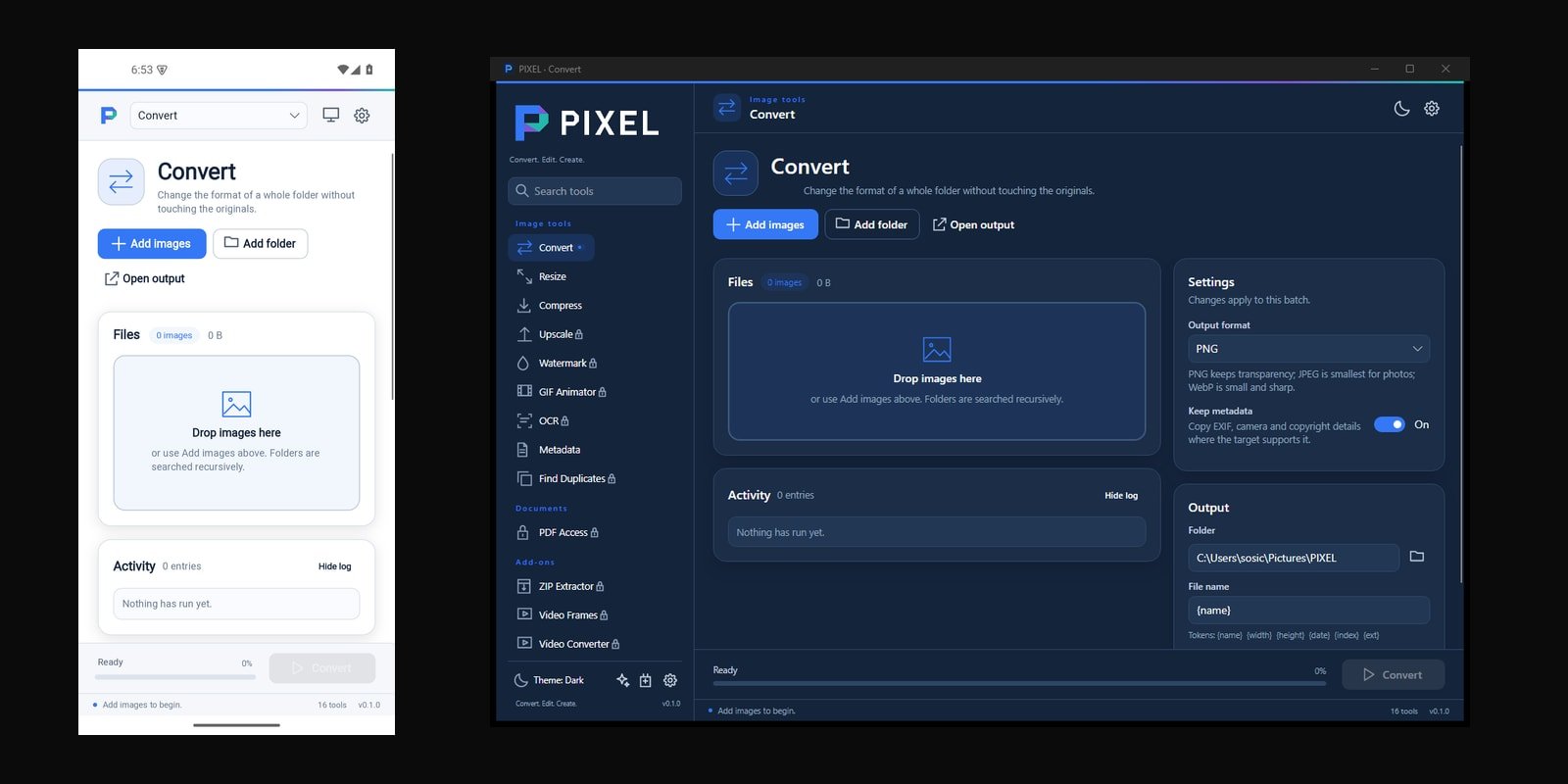
The core is C#/.NET 8 with Avalonia, a UI-free engine, and thin Windows and Android heads. The Windows build is a self-contained single-file executable; the Android build uses the system file picker and a storage bridge so a batch can run on a phone without a desktop.
The brief
The old tool worked, but it was a Python app with a separate UI stack, a licensing problem in the image library, and no real path to Android. Every new format or tool added another dependency and another place for behavior to drift.
The approach
Move the image, metadata, batch, document, archive, and plugin logic into one tested core. Keep the UI in a shared Avalonia shell with thin platform heads. Use permissive libraries, write the EXIF/TIFF round-trip ourselves, and make plugins declarative recipes instead of code. The same feature set then ships on Windows and Android.
The outcome
One core, two platforms, and a self-contained Windows build alongside the Android app. Pixel is still early, but it is a real product foundation rather than another folder of scripts.
2
platforms, one core
16
tools in one shell
0
files uploaded
Next project
Docket
Have a brief like this?
Bring us the messy version. We are good with messy.