 Rerun — Off the Rails
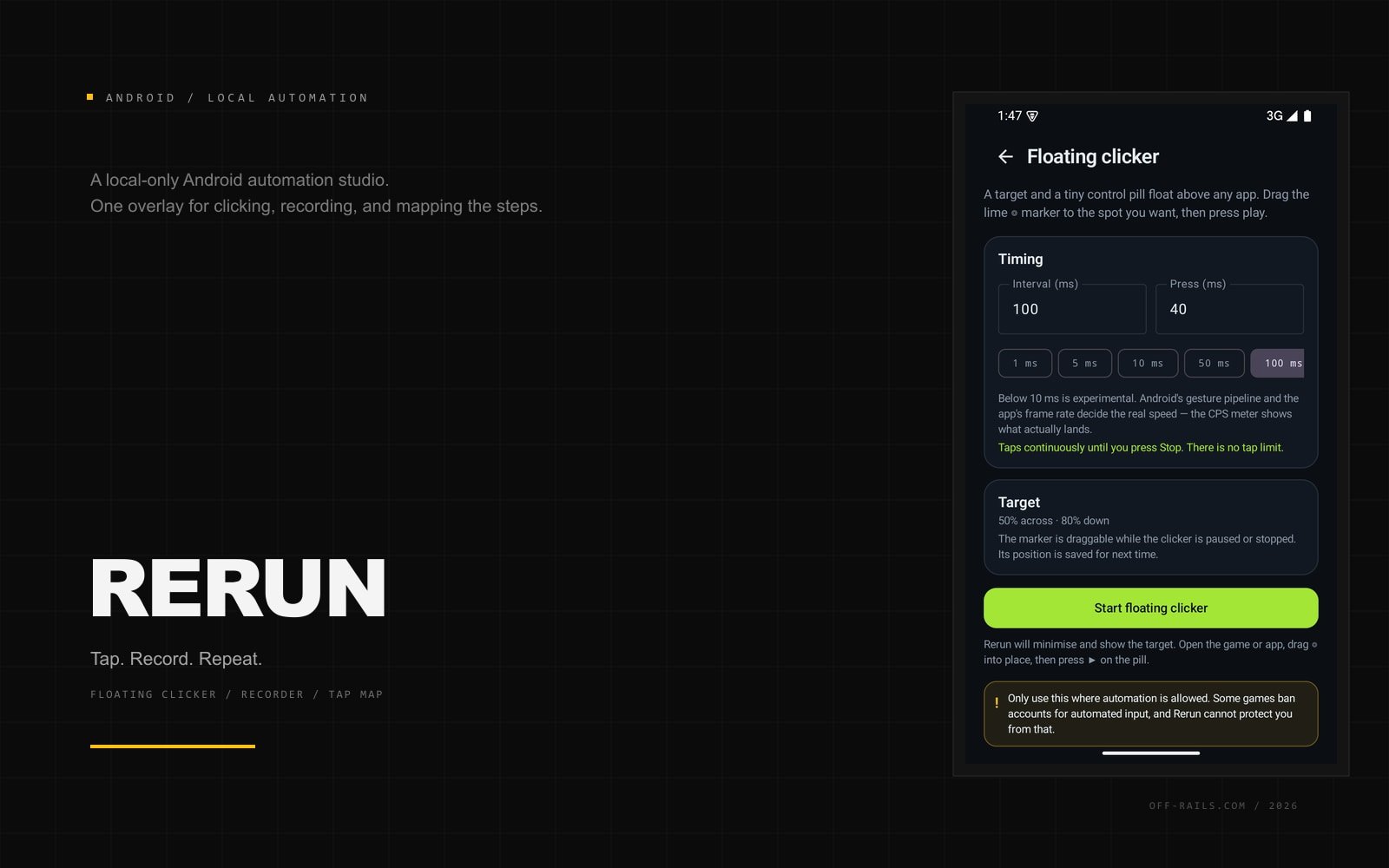
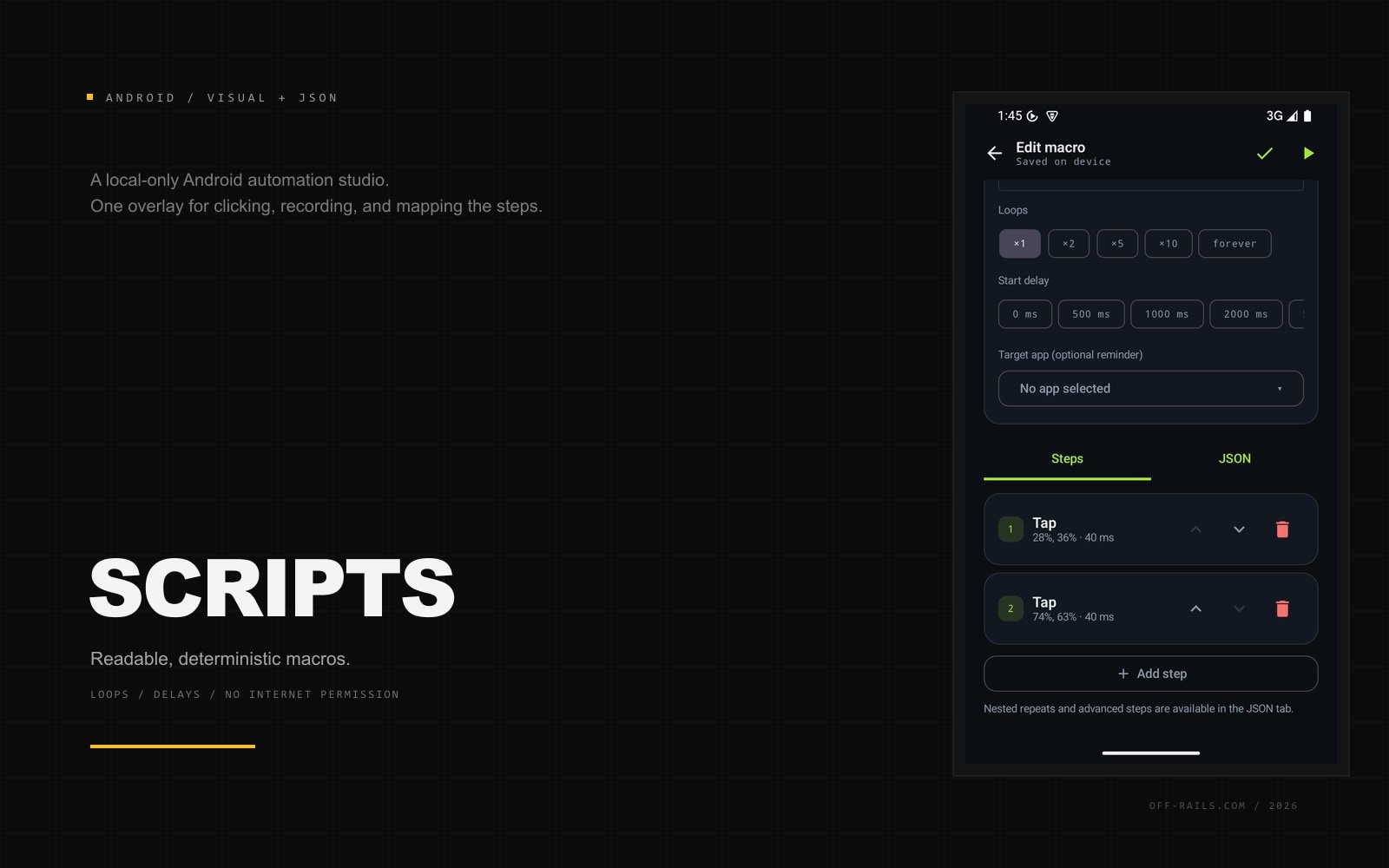
Rerun is a local-only Android automation studio: a floating clicker, a gesture recorder, a tap map, a deterministic macro runner, and image-aware hold steps in one app. It taps until you stop it, records taps, swipes, and long presses, turns numbered points into a readable script, and can hold at a spot until a captured screen region appears. No account, no ads, no analytics, and no internet permission.
In the free build
- Floating clicker with a real CPS meter
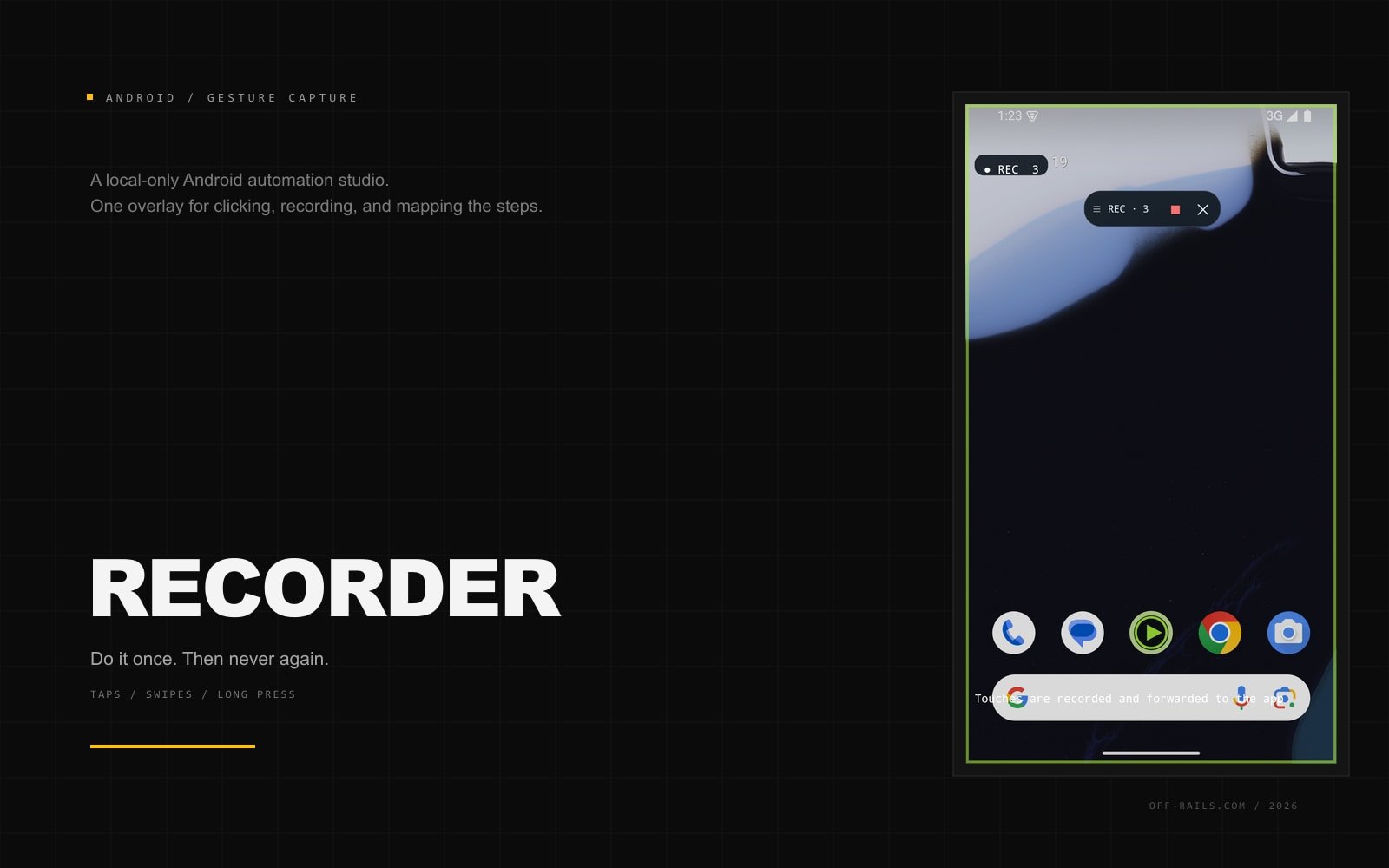
- Record taps, swipes, and long presses
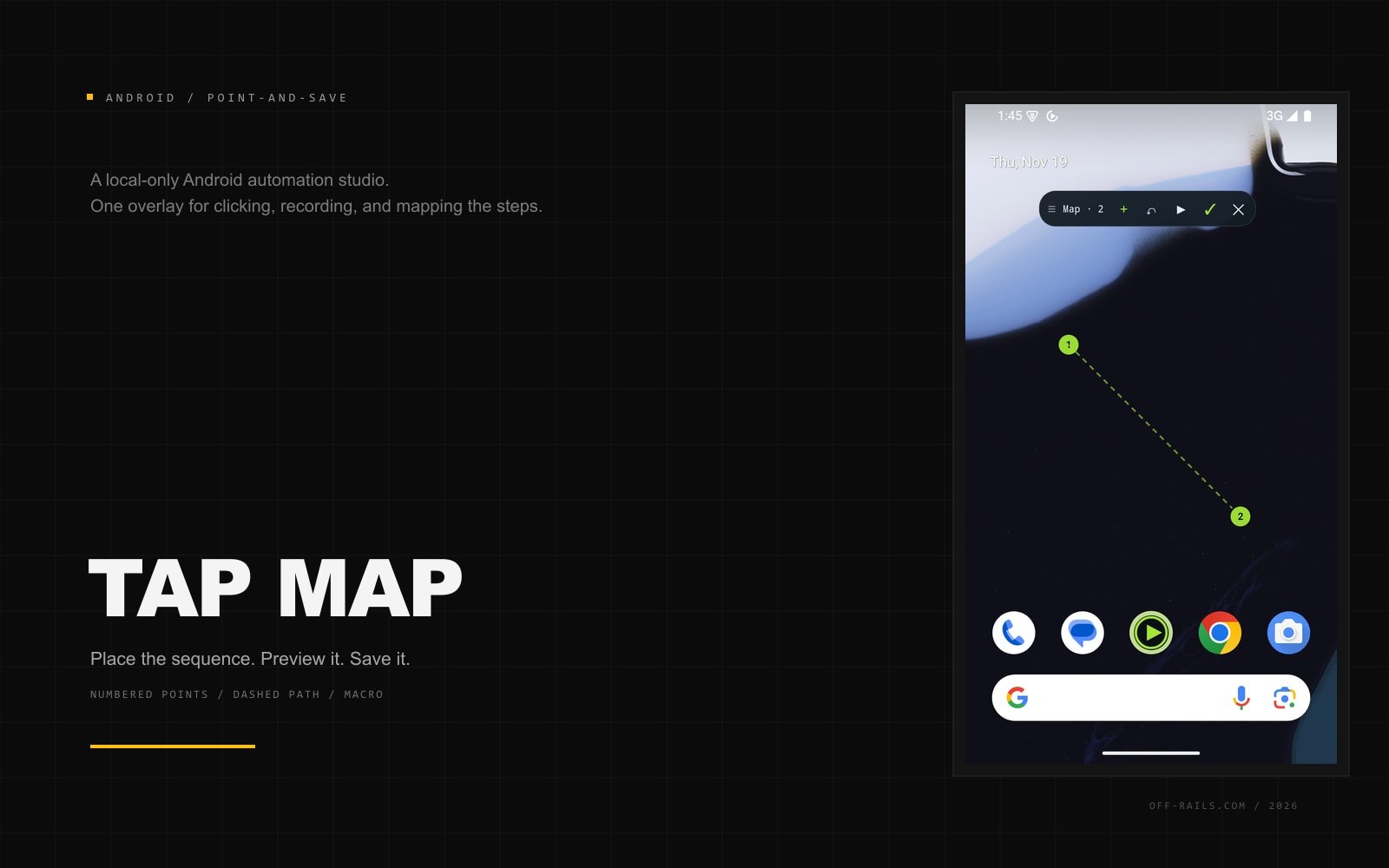
- Tap map with numbered points, preview, and save
- Visual step editor plus a full JSON editor
- Press-and-hold steps with custom durations
- Capture a screen region and hold until it appears
- Runs until you press Stop - no tap limit
- No internet permission, account, or analytics
Rerun 0.1.2 - custom holds and stop images
Nov 19, 2026New Hold step: press one spot for any duration up to 60 s, with unlimited hold and tap steps in the same macro. New Hold until image step: capture part of the screen as a stop image, then hold at a spot until that image appears. After a match you can wait, optionally press again, and cap the whole step with a time limit. The floating bar now shows real play, pause, stop, camera, and check icons. Stop only stops the automation, and the bar stays visible after stop or finish in every mode until you tap X. Screen capture and hold-until need Android 11 or newer.
Rerun 0.1.1 - guided setup
Nov 19, 2026Setup is now a guided three-step walkthrough: notifications, accessibility, and background runs. Each step highlights the control, deep-links to the right screen, detects when it is allowed, and returns you to the next step automatically. The risk acceptance screen now slides away smoothly after you accept. Sideload note: if Android locks the accessibility switch, use App info > Allow restricted settings, then return to Rerun.
Rerun 0.1.0 - first studio build
Nov 19, 2026Floating clicker with live timing settings, a gesture recorder, a tap map with preview and save, a visual step editor, JSON macros, and a run log. The clicker runs until you press Stop. No internet permission, account, ads, or analytics. Android 13+ sideload: if the accessibility toggle is locked, open App info > Allow restricted settings.
Get the build
Download the free build, try it, and unlock Pro only if the deeper tools earn it.
Want something this specific?
Pixel and Docket exist because the tools we needed did not. If you have a product with the same stubborn requirement, bring it.